Quick Start Guide for Inventors
A step-by-step walkthrough for creating your first Invention Disclosure in the Inventor Portal.
Written By Amalia Busch
Last updated 5 months ago
Overview
This quick guide walks you through creating your first Invention Disclosure in the Inventor Portal.
💡 Before you begin: Be sure to get access to your organization's inventor portal before starting.
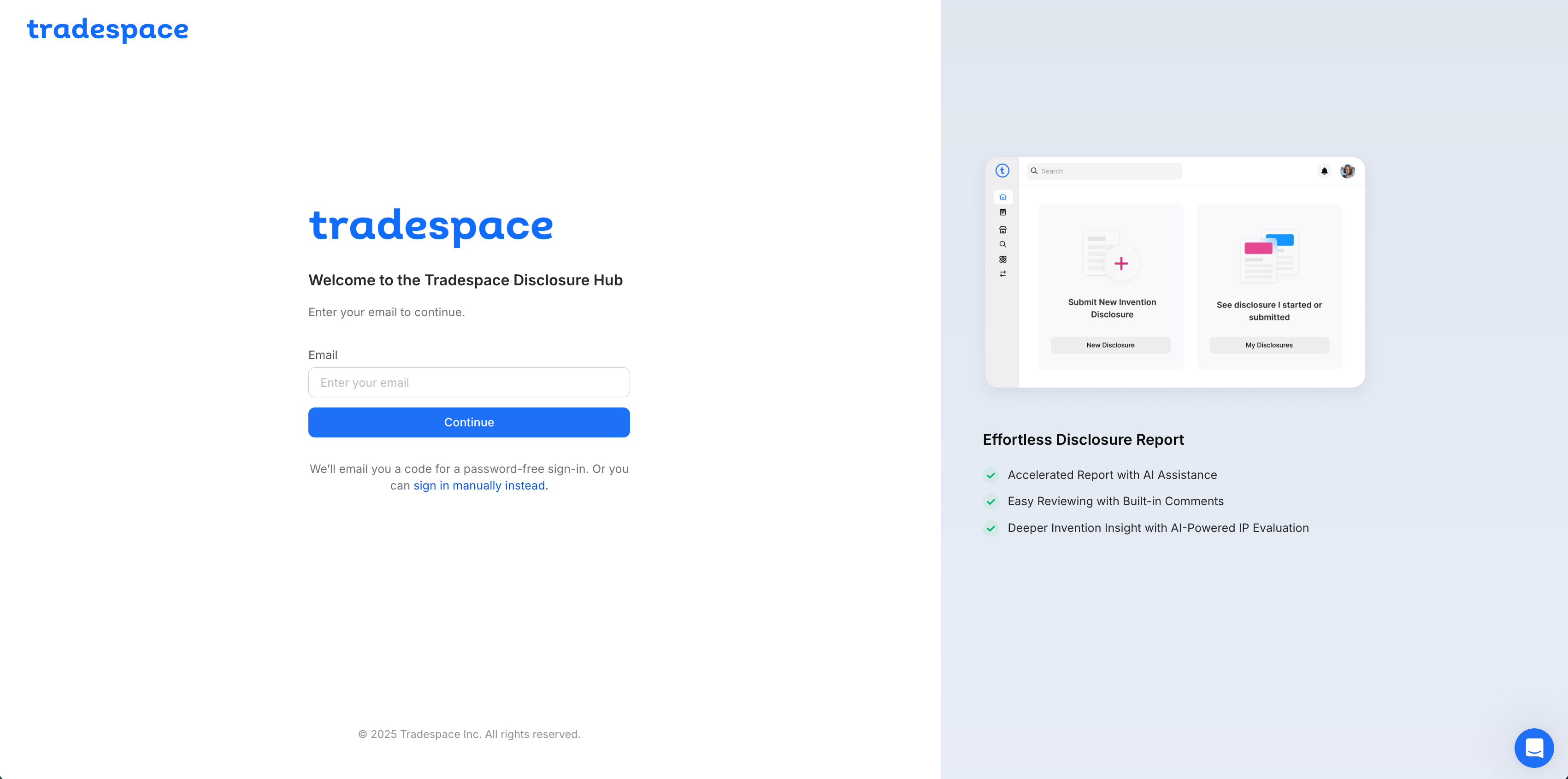
Step 1 — Sign in to the Inventor Portal
Open the Inventor Portal and sign in using your organization's email.
Step 2 — Start a new disclosure and upload your file
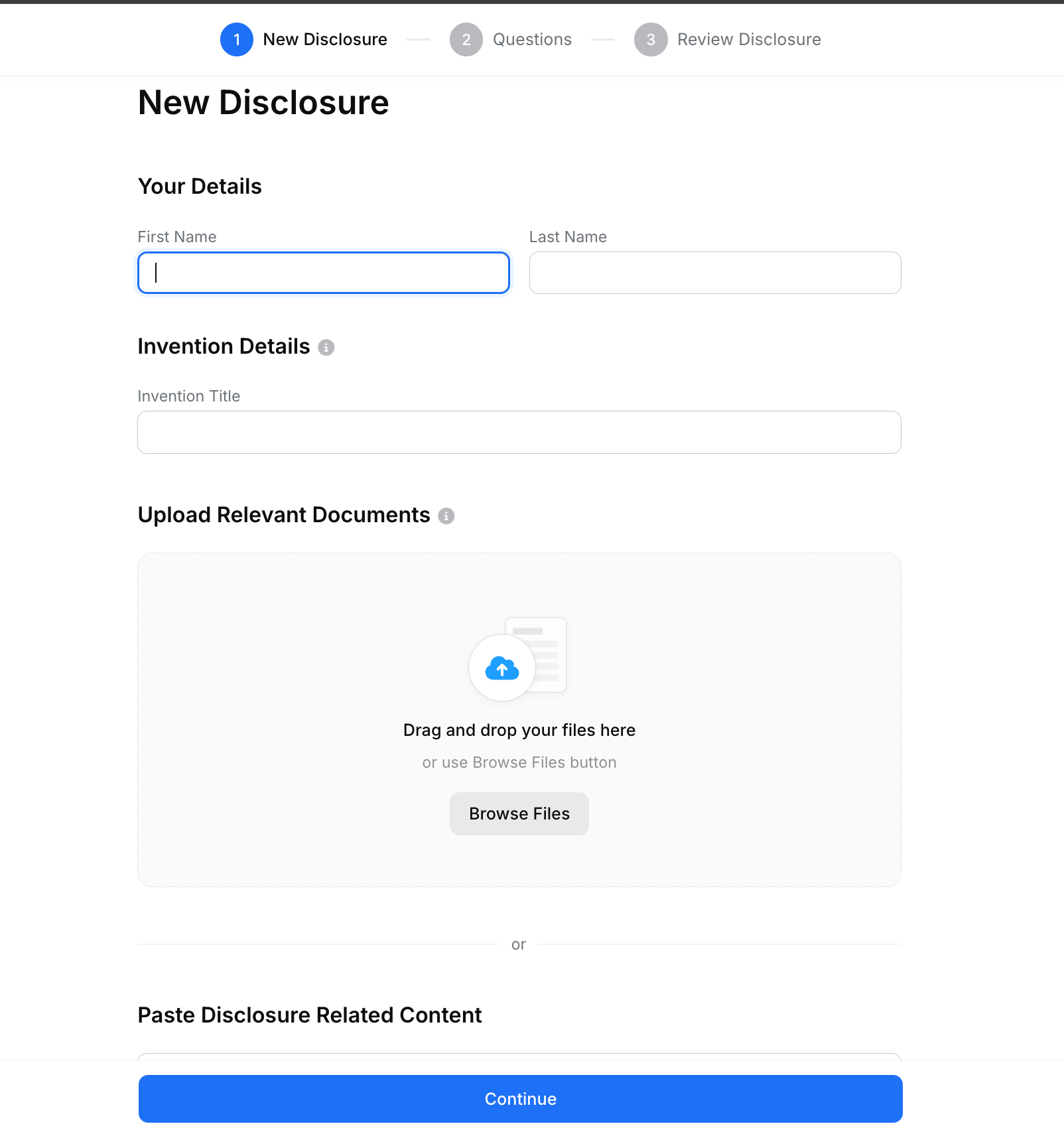
After signing in, choose the option to submit a new disclosure.
Enter a Title.
Upload a File or multiple files with details about the invention, then select Continue.
Accepted formats include PPT, PDF, Word, text, Excel, audio files, and audio transcripts. Share whatever you have and Tradespace will take care of the rest.
Step 3 — Complete required questions
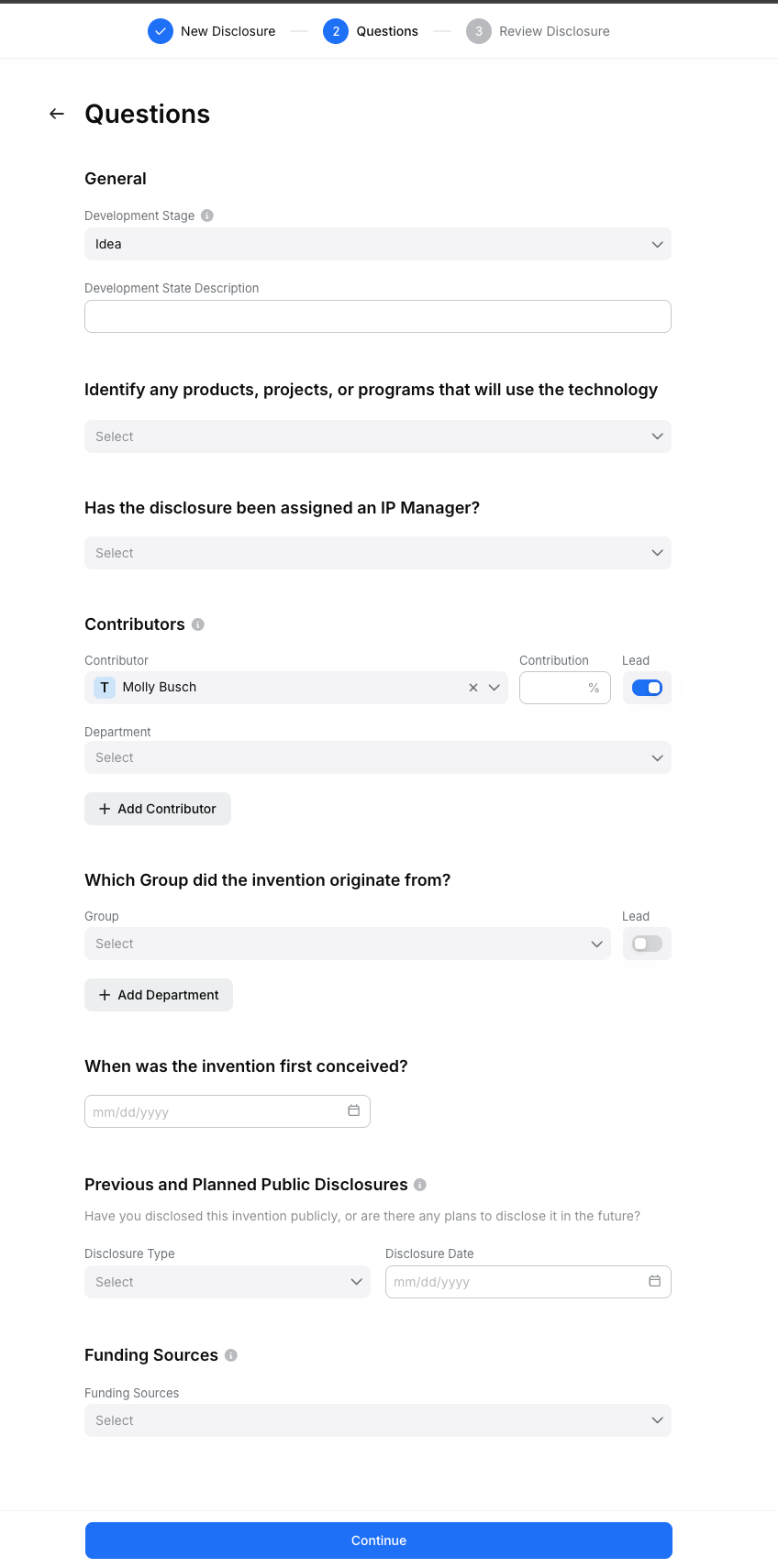
On the Questions page, fill the two required fields:
Contributors → Select existing contacts or choose + Create New Contact
First conceived → Pick a date
Optionally fill out the other fields if you have the information now.
Step 4 — Review and submit
Click Continue to generate the draft disclosure form.
Generation can take a few minutes. If you navigate away, you can find drafts under the Home tab.
Review the draft carefully. You may make any edits you would like at this time. Once you are happy with the disclosure form, click Submit.
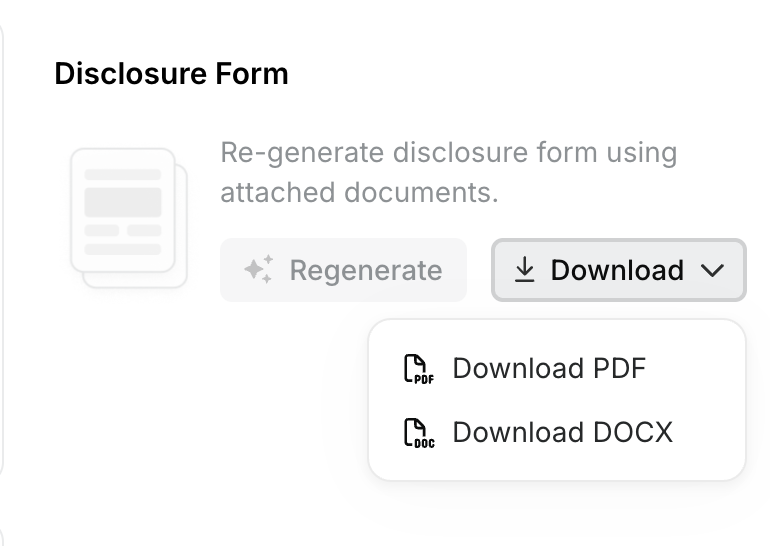
Step 5 — Download [Optional]
Click Download to access the disclosure form as a Word document or PDF.
Need help?
If you get stuck, use the help button to get assistance from a member of the Tradespace team.
Was this helpful?