How to Use Tradespace Opportunities for Marketing and Outreach
A step-by-step guide for turning disclosures into polished, market-ready opportunities and running structured outreach to potential partners.
Written By Amalia Busch
Last updated 5 months ago
💼 Create an Opportunity from a Disclosure
Outcome: Go from a disclosure to a trackable, shareable opportunity in just a few clicks.
1️⃣ Start from the disclosure
Log into Tradespace.
Open your Disclosures list.
Select the disclosure you want to market.
💡 Tip: Need to create a new disclosure first? Follow the steps in How to create a disclosure.
2️⃣ Create the opportunity
From the disclosure, go to the Opportunities section in the upper-right corner.
Click Add → New Opportunity.

Confirm the disclosure (it will be pre-selected when you start from a disclosure).
Note: You can add multiple related disclosures to one opportunity if you want to market them together.
Give the opportunity a clear, recognizable name that matches your technology and internal naming.
📂 Your new opportunity record becomes the hub for non-confidential opportunity summaries, suggested partner companies, contacts and outreach, and activity and follow-up tracking.
🔍 Identify Partners and Their Contact Details
Outcome: Build a focused list of high-fit companies and real contacts for outreach.
1️⃣ View suggested partner companies
Open your opportunity (you can also find it under the Marketing tab).
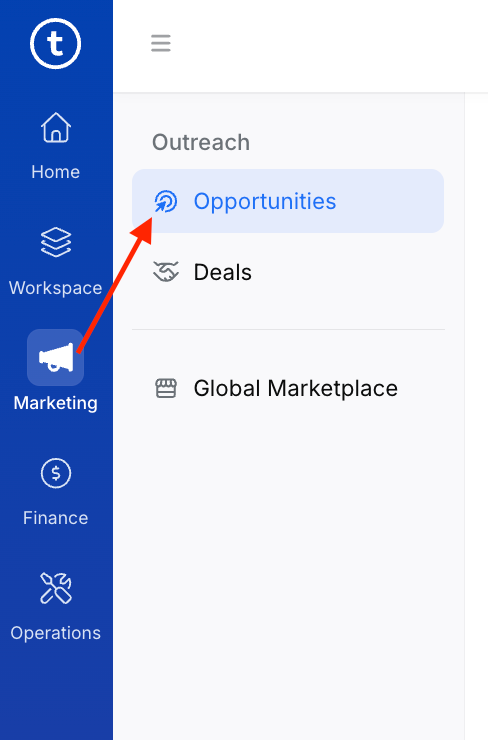
Go to the Suggested Partners tab.
Tradespace suggests companies that are a strong match based on technology area and market use cases. Filter down to your best-fit prospects, then click a company to open its Company profile and select "Quick View".
💡 Pro Tip: You can also add suggested partners directly from the Market Section of the IP Assessment Form.
2️⃣ Review the company profile
In each company profile, you will see:
Overall relevance — Why this company is a good fit for the technology
Partnership likelihood — How likely this company is to partner with external innovators to commercialize new IP
Technical & strategic fit — How well your innovation matches what the company builds today, or is credibly moving to build, and how strategically important that area is to them
Financial readiness — how the company appears positioned to fund licensing, development, and the time required to bring innovations to market
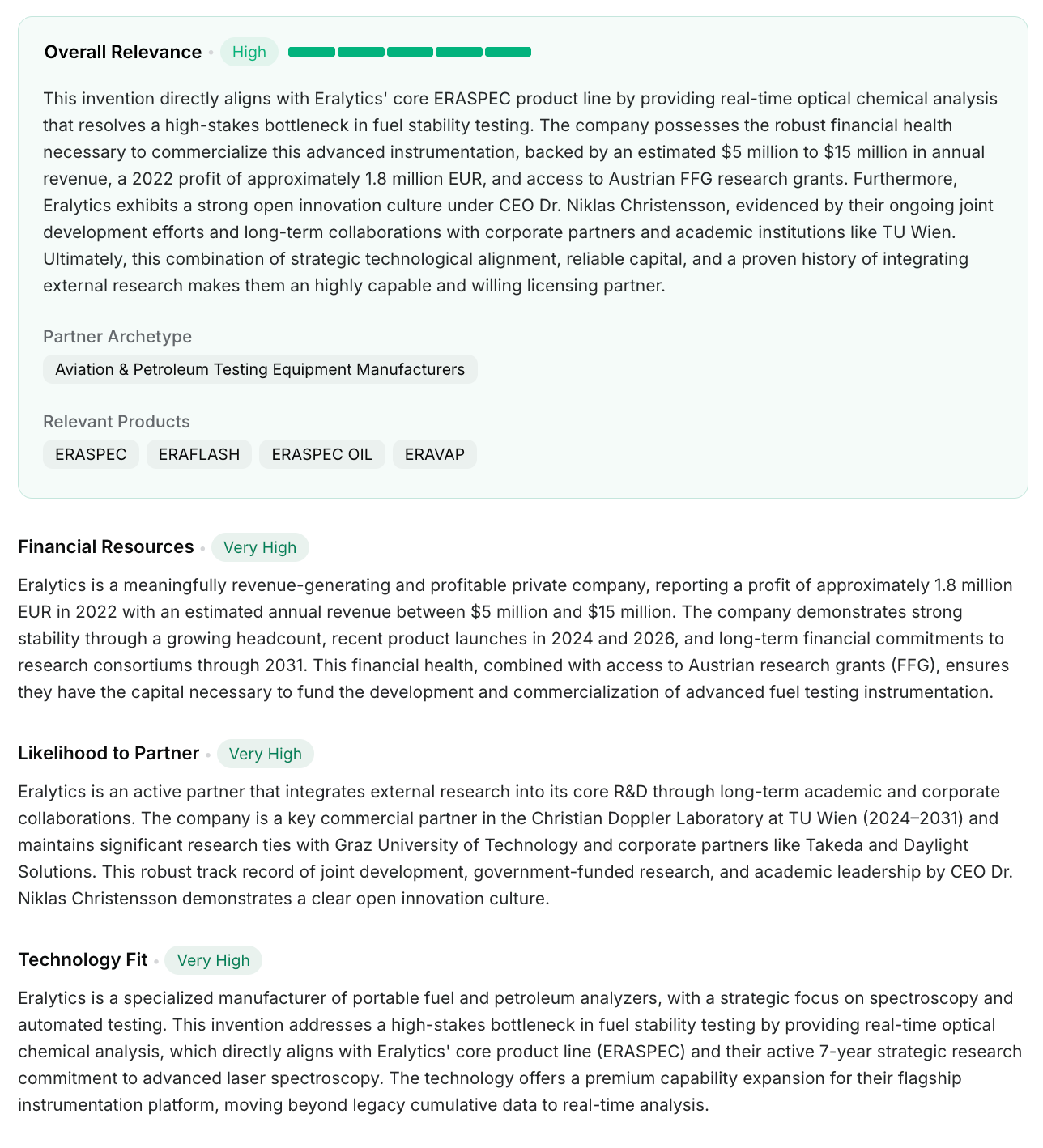
💡 Use this view to quickly decide whether the company belongs on your outreach list.
3️⃣ Continue to add companies to your outreach list
From the Suggested Partners list or a company profile, click Add to outreach list.
Repeat for each company you want to target.
4️⃣ Find and save contacts for each company
In the opportunity, return to Overview.
Select a company to see recommended contacts.
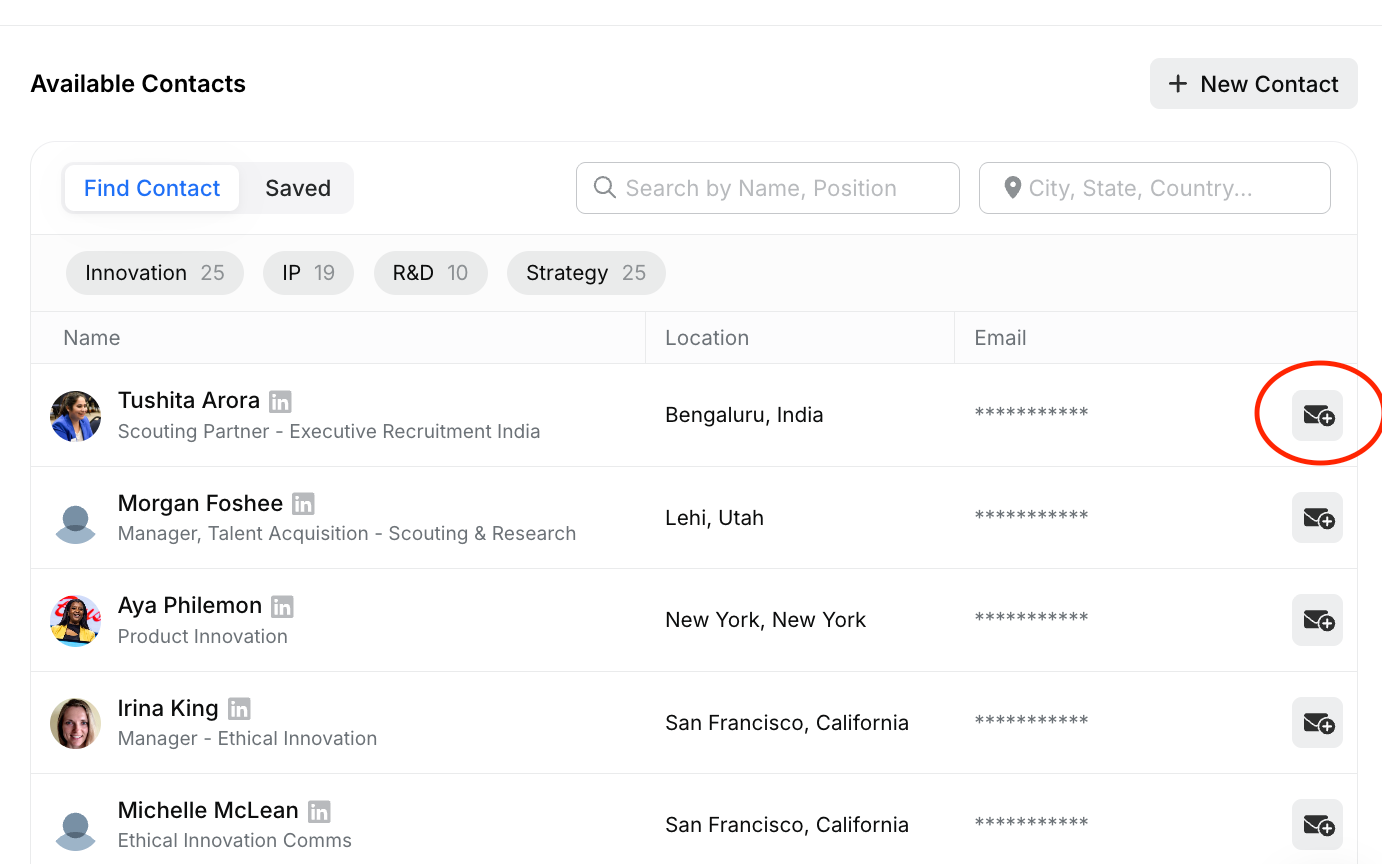
For each promising contact, click Request contact details. Tradespace pulls in available details (name, title, email, etc.) using integrated data sources.
Repeat for each relevant company.
These companies are now linked to the opportunity and ready for contact discovery.
5️⃣ Track outreach and responses (mini-CRM)
In the opportunity, open the Activity tab.
For each company/contact, log actions such as: Contacted, Responded - interested, Not interested, or No response yet.
Add rich notes (for example: "Declined but asked to check back in 6 months").
Create tasks with due dates for follow-ups (for example: "Follow up with BD director if no reply in 10 days").
📊 This turns each opportunity into a simple, focused pipeline for that technology, without needing a separate CRM.
📝 Generate and Share Non-Confidential Summaries
Outcome: Produce a polished, public-ready opportunity page to share with potential partners.
1️⃣ Generate an opportunity page (non-confidential summary)
Open the opportunity.
Go to the Opportunity Page section.
Click Auto-Generate Content.
✏️ Use this as your starting point — you can make any edits once the content is generated. Reach out to your CSM if you'd like to customize the output.
2️⃣ Create public links and marketplace visibility
Once your opportunity page looks right:
In the opportunity page view, select "Anyone with the link" to generate a shareable URL. This link can be sent directly to companies.
(Optional) Turn on Visible on marketplace to list the technology on Tradespace's global marketplace and/or your white-label marketplace.
This makes the opportunity discoverable via searching on Tradespace and major search engines.
Was this helpful?